Friday, October 14, 2011

JD Illumination Textures, Volume 2

Available NOW! :)

With JD Illumination Textures, Volume 2, I am continuing what I stared with Volume 1: Creating textures that challenge the notion of what a texture is "supposed" to be able to do and making textures easy for newbies to integrate while still making an impact. Seasoned textures users will enjoy adding them to their workflow because they pop color and contrast but don't take a lot of time to tweak. These textures will work well for virtually any subject matter - boudoir, newborn, families, and nature photographs. To see 1/2 of the textures (I picked some warm versions, some cool versions) please click here.

•  JD Illumination Textures, Vol. 2 comes with 25 all-new textures for Photoshop and Elements, plus two bonus textures that were specifically re-created for vertical positioning. As with JD Illuminations One, I also offer a second take on each texture by having it available in both warm and cool tones*. Combined, there are a grand total of 52 textures. These textures are available for $35 USD. 
Add to Cart
• All textures are high resolution, 60 x 40 inches at 72 dpi. ( FYI - Some people see the 72 dpi and are concerned about resolution. The textures are 2880 x 4320 pixels which means that on a 12 x 8 inch image, the textures print at 360 dpi )

IMPORTANT: All textures are standard jpeg files that will work with both Adobe Photoshop and Elements (all versions of both programs). My textures will ALSO work with the FREE program GIMP. Here is a link to download it & a link to see the tutorial. Note: Members of my Facebook JD Textures Group have also told me that the textures work in PSP, but I have not personally used this program so purchase at your own risk (or just grab a freebie and check it out for yourself).

• My textures will NOT work with Lightroom, Picnic or any other photo editing programs except for those listed above.

• Payment is required via Paypal and once your payment clears, you will automatically be redirected to a site where you can download your textures.

• The files come compressed in .zip format. There are many free unzip programs for both Mac & Windows that will allow you to expand the files once they've been downloaded.

• A basic tutorial is included with your purchase in PDF format. You can also watch my video tutorials for Elements, Photoshop, and GIMP.

*There is ONE exception to this, Lost Rainbow is only offered in one tone but also appears with one softened texture version called Lost Rainbow Blur.

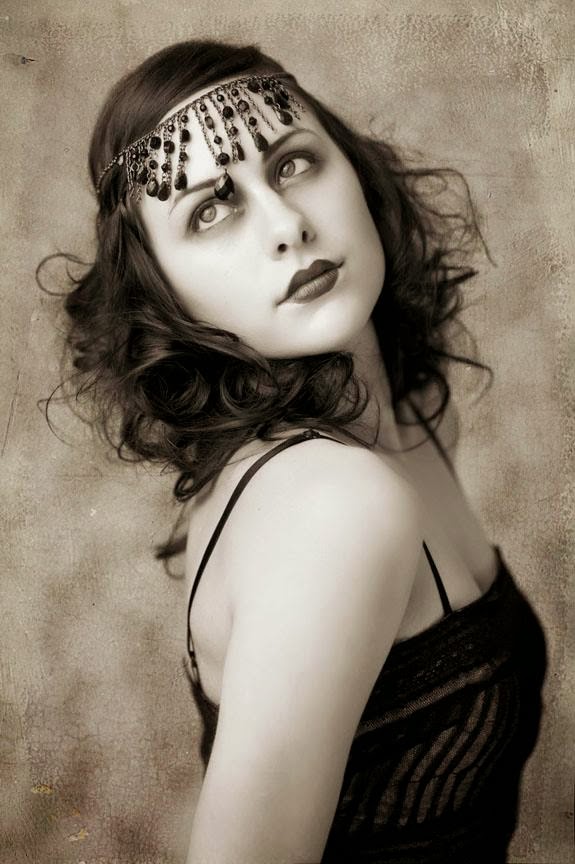
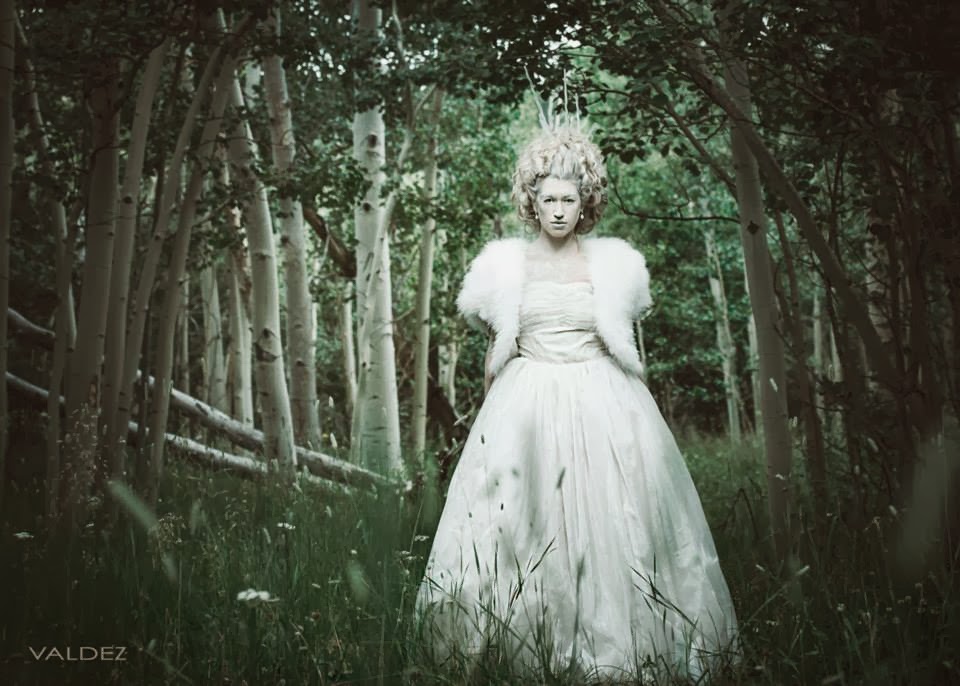
All slide show examples above are demonstrated in Overlay blending mode at 100% opacity.

Tuesday, October 11, 2011

Guest Artist Before & Afters :)

I am so honored that some photographers I admire have graciously offered to let me show their Before and After examples using JD Illumination Textures, Vol. 2. To check out their fabulous work, please just click on the artist's image below to take you to their guest artist page...


robyn russell sarah hart boyd jessica paxson

Rachel Vanoven Photography Kamieo Photography Rachel Nicole Photography


Amy Cook Photography Emily Miller Photography Kristanne V Photography Sylvia Cook Photography

Monday, April 4, 2011

JD Illumination Textures, Vol. 1


Add to Cart

JD Illumination Textures are different from my other packs in a couple of ways. While there are 25 unique, high resolution textures as in Texture Packs 1-4, Illuminations also offer a second take on each texture by having it available in both warm and cool tones* for a total of 50 textures.

These textures are available for $35 USD.

Most textures in the JD Illumination Texture pack were created with new texture users in mind -- I created simpler, less contrasty interiors and easy-to-integrate tones. Seasoned texture users will enjoy them because they pop color and contrast but are simple enough to use that they don't take a lot of time to tweak. These textures will work well for softer subject matter - boudoir, newborn and families.

To see 1/2 of the textures (I picked some warm versions, some cool versions) please click here.

• All textures are high resolution, 60 x 40 inches at 72 dpi.

• IMPORTANT: All textures are standard jpeg files that will work with both Adobe Photoshop and Elements (all versions of both programs). My textures will ALSO work with the FREE program GIMP. Here is a link to download it & a link to see the tutorial. My textures will NOT work with Lightroom, Picnic or any other photo editing programs.

• Payment is required via Paypal and once your payment clears, you will automatically be redirected to a site where you can download your textures.

• The files come compressed in .zip format. There are many free unzip programs for both Mac & Windows that will allow you to expand the files once they've been downloaded.

• A basic tutorial is included with your purchase in PDF format. You can also watch my video tutorials for Elements, Photoshop, and GIMP.

*There is ONE exception to this, Star Spangled is only offered in one tone but also appears with one softened texture version called Star Spangled Blur.

Monday, March 28, 2011


No additional editing changes have been made to the photos in the slide shows. 
You see true before / afters.

Monday, October 18, 2010

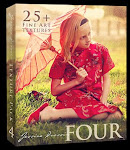
Texture Pack Four


Add to Cart
• I am offering the licensed use of 25+ of my favorite textures for $28 USD.

• All texture files are high-resolution jpegs sized at 40x60 inches at 72 dpi.

• Files work with Elements, Photoshop, and GIMP (a free editing program, click here to check it out). The PDF tutorial included with the textures only specifically addresses Photoshop users. For tutorials demonstrating Elements, GIMP and Photoshop, see my Video Tutorials section.

• Payment is required via Paypal or a credit card. Once your payment clears, you will automatically be redirected to a site where you can download your textures.

• The files come compressed in .zip format. There are many free unzip programs for both Mac & Windows that will allow you to expand the files once they've been downloaded.

• For tutorials demonstrating Elements, GIMP and Photoshop, see my Video Tutorials section.


IMPORTANT NOTE: I cannot tell you how much I enjoy making these textures and "collaborating" with you all. Every day that I see your artwork up in the "Jessica Drossin Textures" Facebook page, I get inspired -- and not just by the folks who are "pros" at adding texture either. I'm inspired by the people who new to textures but are willing to take the chance and give it a shot. It's been amazing watching so many of you grow...